Rendering
Visualization and rendering utilities for soft robot systems.
The rendering module provides a class-based architecture for visualizing soft robots. All renderers inherit from a common base class BaseSoftRobotRenderer which provides cached forward kinematics and a unified interface.
Core renderer gallery
The Matplotlib, Open3D, and Viser samples show the same upright tapered GVS
tentacle with SceneConfig.studio() (the neutral studio variant), a pastel
purple backbone and a dark base. OpenCV shows a two-link planar PCS counterpart
with the same lengths and prescribed bending coordinates. Matplotlib uses a
white background and its standard axes, ignoring scene appearance presets.
OpenCV also uses a white background, with colored robot geometry and no scene
lighting or ground scenery.
The preset gallery compares all six scene presets in Open3D and Viser. These examples select neutral studio explicitly; the renderer-wide default is the technical preset.
-
Matplotlib
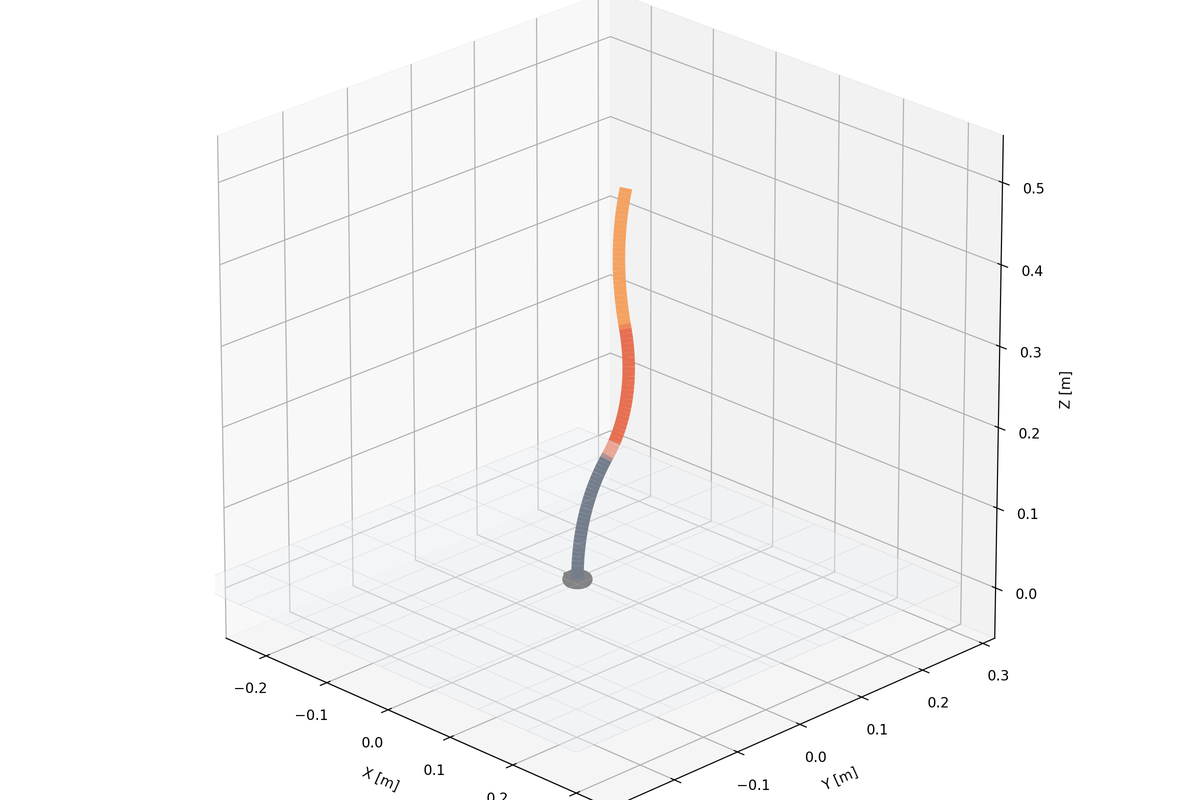
Polished static figures and notebook-friendly inspection for planar and spatial robots.
-
Open3D
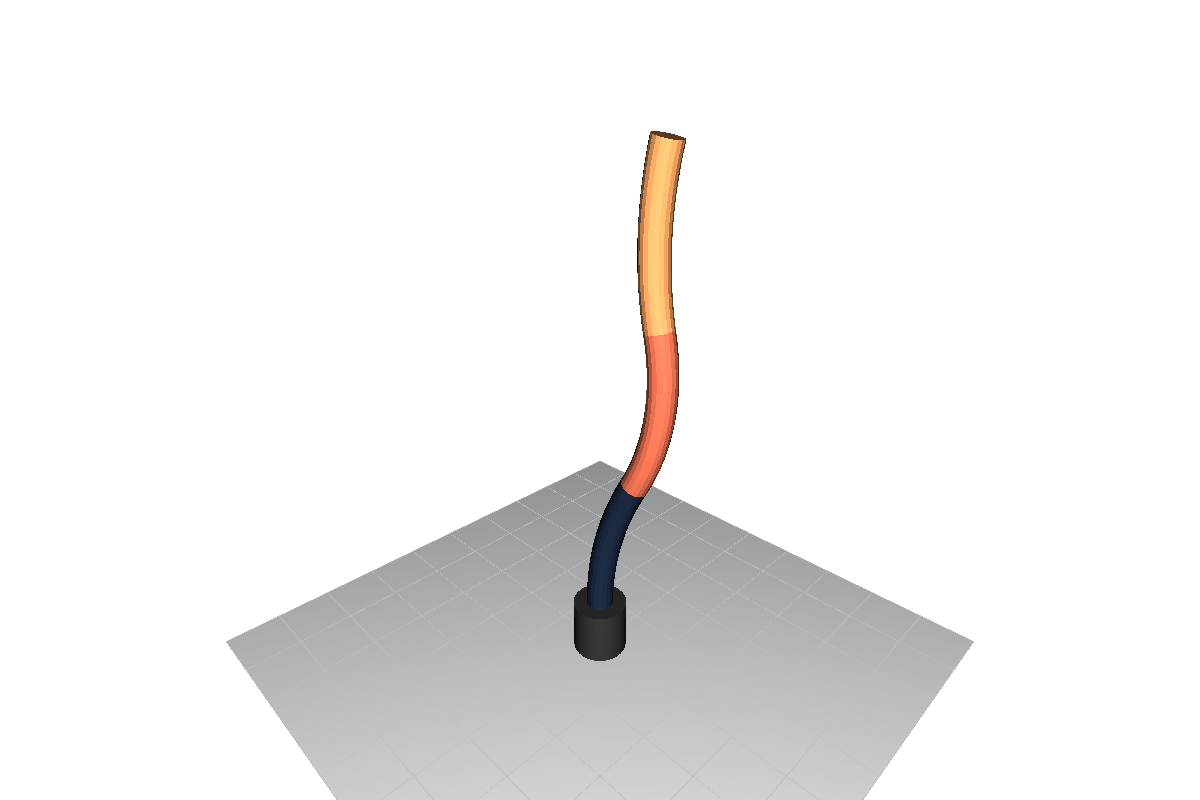
Interactive spatial inspection with geometry, camera control, and offline frame or video capture.
-
Viser
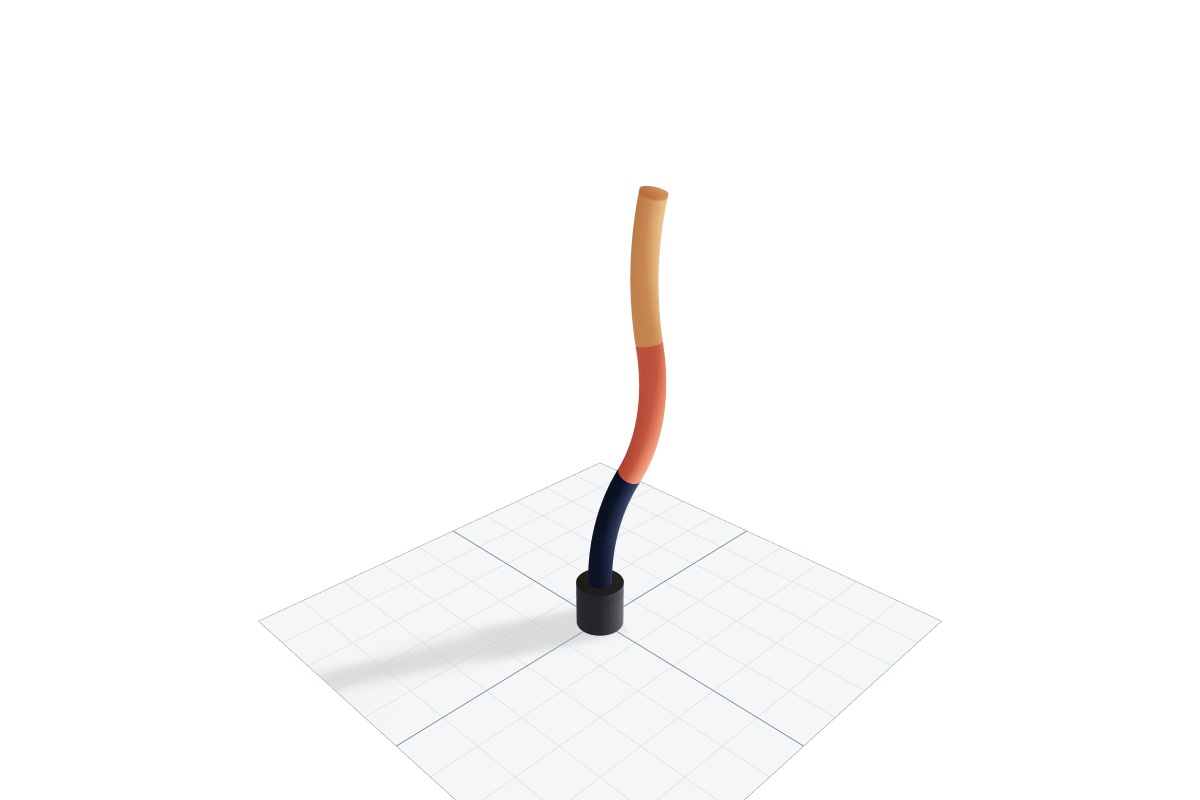
Browser-based 3D visualization for live demos, playback, and multi-robot scenes.
-
OpenCV Planar
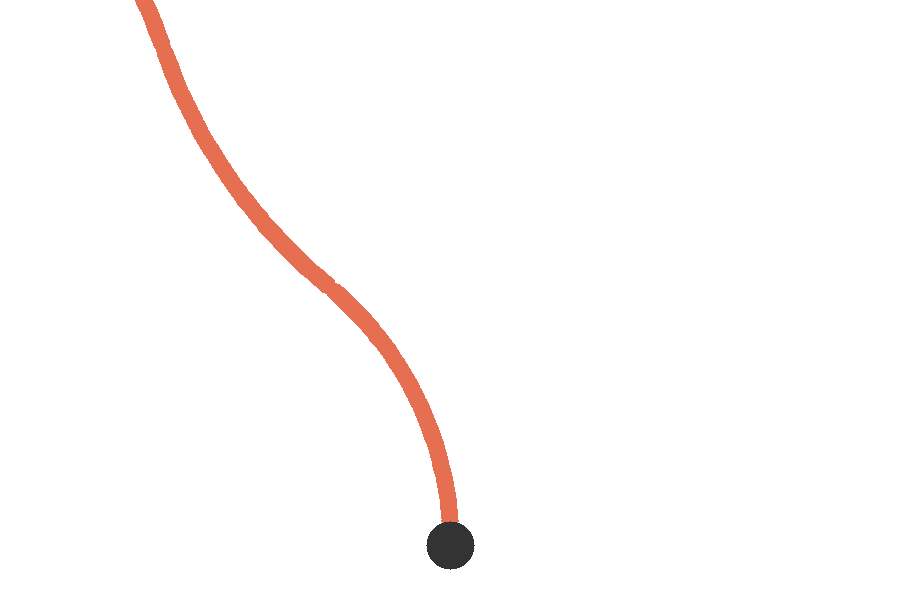
Lightweight real-time planar frames and fast video export.
Reproduce these images with examples/rendering/backend_gallery.py --backend
followed by matplotlib, open3d, viser or opencv.
System-specific renderer designs are documented alongside their robots: the Planar HSA OpenCV renderer, I-SUPPORT Viser renderer, and UMArm Viser renderer.
Choosing a Renderer
| Renderer | Best For | Strengths | Limitations |
|---|---|---|---|
MatplotlibRenderer |
Static plots, notebooks, debugging | Works with any robot, easy to embed | Limited interactivity, slower animations |
Open3DRenderer |
Interactive 3D inspection | Rich camera controls, headless capture | Requires Open3D, 3D only |
ViserRenderer |
Live demos, web-based visualization | Browser UI, live streaming, multi-robot | Requires web server, 3D only |
OpenCVPlanarRenderer |
Fast 2D animations, video export | Lightweight, fast output | Planar robots only |
OpenCVPlanarHSARenderer |
PlanarHSA-specific visuals | HSA-specific geometry | PlanarHSA only |
Documentation
Renderer API
Complete API reference for all renderer classes:
BaseSoftRobotRenderer- Abstract base classMatplotlibRenderer- Matplotlib-based visualizationOpen3DRenderer- Open3D-based 3D visualizationViserRenderer- Web-based visualizationOpenCVPlanarRenderer- OpenCV-based 2D visualizationOpenCVPlanarHSARenderer- HSA-specific visualization
Shared Configuration
Settings shared by multiple renderer backends:
RendererConfig- Scene, camera, colors, geometry and output settings- Scene presets, physical light units and backend approximations
CameraConfig- Camera positioning and field of view- Robot base, base-plate, and ground-plane behavior
- Multi-robot layouts and spacing
- Recording and video encoding
RendererColorConfig- Color configuration hierarchyBackboneColorConfig- Backbone-specific colors- Built-in color palettes and themes
Quick Start
All renderers accept a robot model at construction and expose a single-frame entry point. For example:
from soromox.rendering import RendererConfig, GeometryConfig, MatplotlibRenderer

renderer = MatplotlibRenderer(robot, config=RendererConfig(geometry=GeometryConfig(num_points=50)))
renderer.show(q)
Choose another backend from the table above, then follow its API reference for interactive playback, live mode, or video capture.